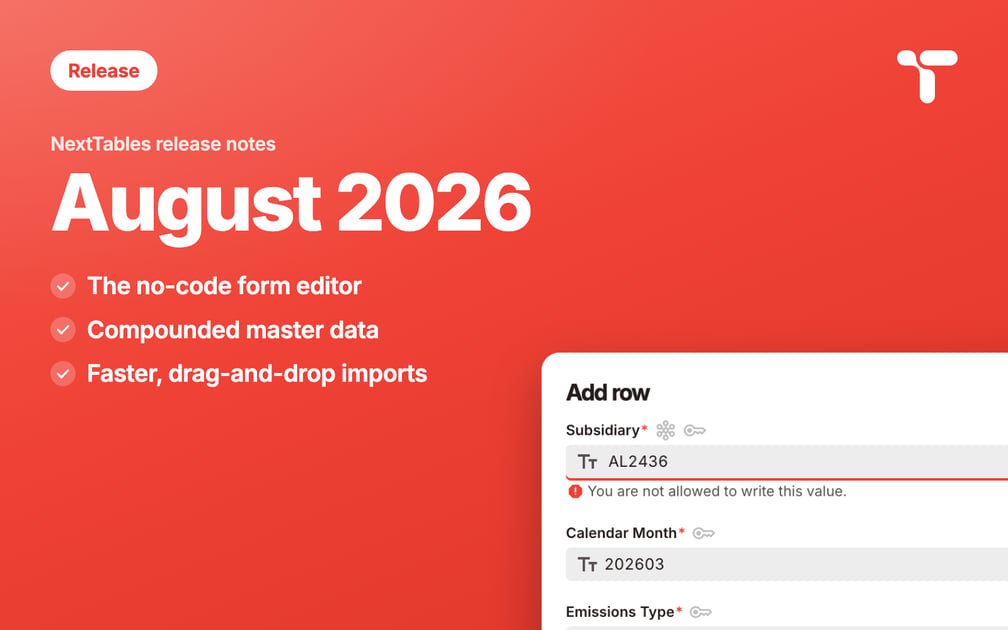
August adds forms to data entry. Power users and administrators build guided forms per table, without code, and the same validation rules apply to every way data enters NextTables. Master data keyed on several fields, drag-and-drop uploads and support for tables other systems write to round out the release.

New
The form editor
Power users and administrators build and customize guided data-entry forms directly on any table, in the browser and without custom code.
- Dynamic logic without code. Conditional visibility (show or hide a field), conditional required fields, and cascading dropdowns that depend on an earlier choice.
- Inline validation and master data quality. Business users get a guided, validated entry experience in the add, edit, and copy dialogs. Input errors are caught while the person is still in the dialog.
The how-to series: Set up a data entry form for a table, Form fields with conditions, Validate form entries with validation rules.
Compounded master data
A master data object can now be keyed on several fields, so a text resolves correctly when a value only becomes unique in combination with other fields. Searchable additional attributes and maintainable result templates are on the roadmap.
Drag-and-drop file upload
Drop a file onto the grid to start an import, directly in the table view.
Tables written by other systems
Connected tables can now be written to, including tables another system also writes. For those, NextTables keeps its own audit log switched off, so the history of the table stays what the other system made it.
Improved
- Validation of imported files is faster and uses less memory on large files.
- Saving imported rows is faster and puts less load on your database.
- Breadcrumbs in the top navigation bar show where you are in the application.
- Several smaller usability and reliability improvements across forms, file import, and table views.
Some improvements need a page refresh to take effect.
What was next, as of August 2026
Transports and a hierarchy editor were next in line, and work had started on user groups and on an API for NextTables. None of these is generally available as of this release. Every release lands here first, and the monthly Product Update brings it to your inbox.